 Axon
AI form autofill for Chrome
Axon matches form fields to details you have saved by meaning, so a field labelled "Mobile number" is filled from a fact you saved as "Phone".
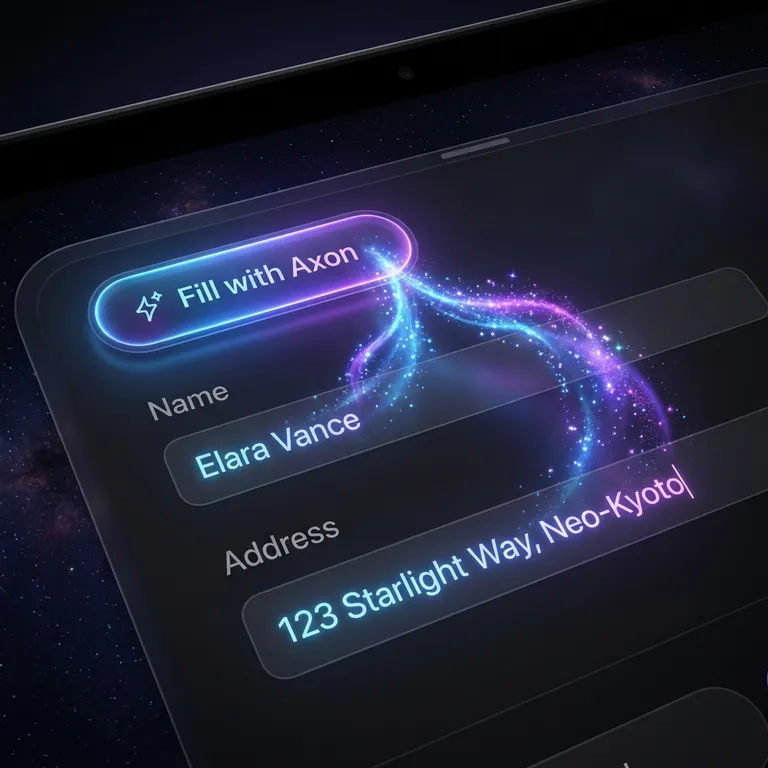
Works where ordinary autofill gives up
It reaches inside iframes and fills forms that React and Vue render after the page has loaded. You can also say what you want in words: put my work email in the subscription box.
What it will not fill
Passwords, card numbers and one-time codes are never filled, and Axon never uses details you saved about someone else.
Your details, your control
Mention your role, a portfolio link or how you like things worded, and Axon keeps it so the next form already knows. Every stored detail is listed in settings, where you can read, edit or delete it. Signed out, the profile stays in your browser; signed in, it is kept with your account so it follows you across browsers.