 Axon
A bring-your-own-key AI extension for Chrome
Paste a key from Gemini, Groq or OpenAI, or point Axon at a local model. The key stays in your browser and requests go straight to the provider.
Where the key lives
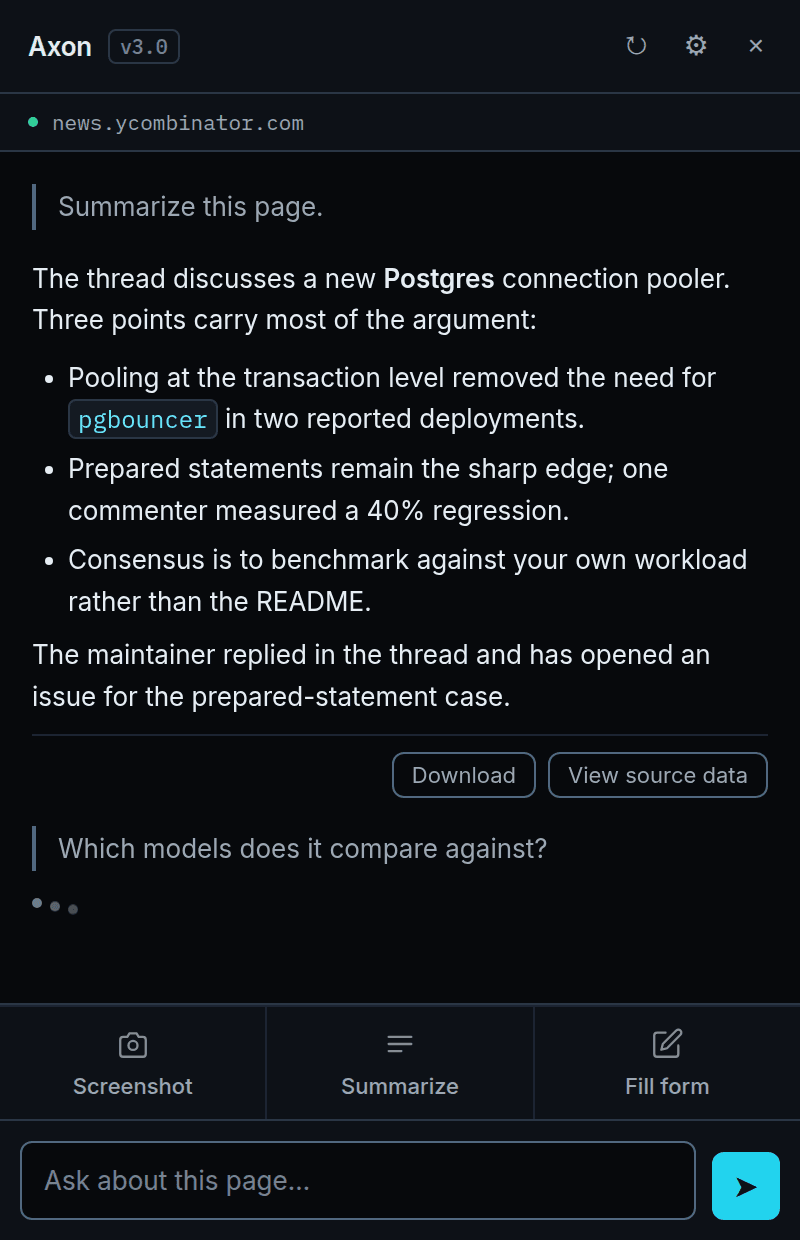
In Chrome's own chrome.storage.sync, on your machine. Signed out, nothing you do with Axon passes through an Axon server: the page text or screenshot goes from your browser to the provider you configured, with your key, and the answer comes straight back.
Axon never sends your own API keys to its server, even if you later sign in.
Which providers
Google Gemini, which has a free tier, Groq and OpenAI are built in. A custom provider works with any OpenAI-compatible endpoint, including Ollama and LM Studio on your own machine, so nothing needs to leave it at all. You can assign a different model to chat, vision, intent routing and memory.
If you would rather not hold a key
An Axon account is optional and is the alternative: prompts run on Axon's server against a daily allowance. See pricing for what the plans include, and the privacy policy for what the server keeps.