 Axon
Ask AI about what's on your screen
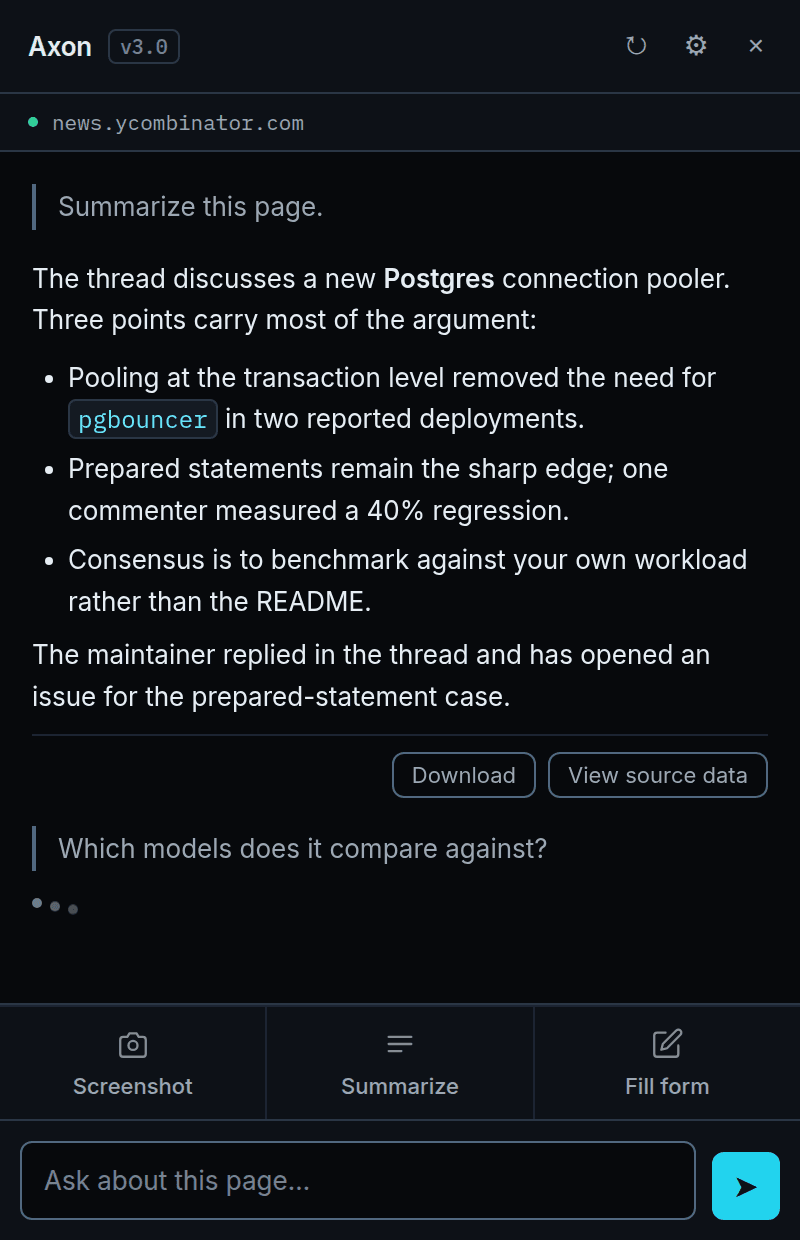
When the answer is in a chart, an error dialog or a design, Axon captures the visible tab and asks a vision model about it.
Only when you ask
Axon takes a screenshot only when you invoke it, and only of the tab you are on. It declares no standing access to your sites: Chrome grants it the current page for that visit and takes the access back when you navigate.
What it is good for
Transcribing a chart, explaining an error message, describing what a layout is doing, or reading text that is an image and not text. For anything that is plain text, Axon reads the text itself, which is cheaper and more exact.
Axon routes each question for you, so you do not have to decide between reading the page and looking at the screen.
How it goes
CaptureCtrl+Shift+U captures the screen and opens the question box
AskWhat does this error mean? What is this chart showing?
Follow upThe conversation stays in the side panel for the rest of the tab's visit